Underconsumption Isn't "Buy Nothing"—It's a Tiny-Home Filter (Here's the 10-Minute Test)
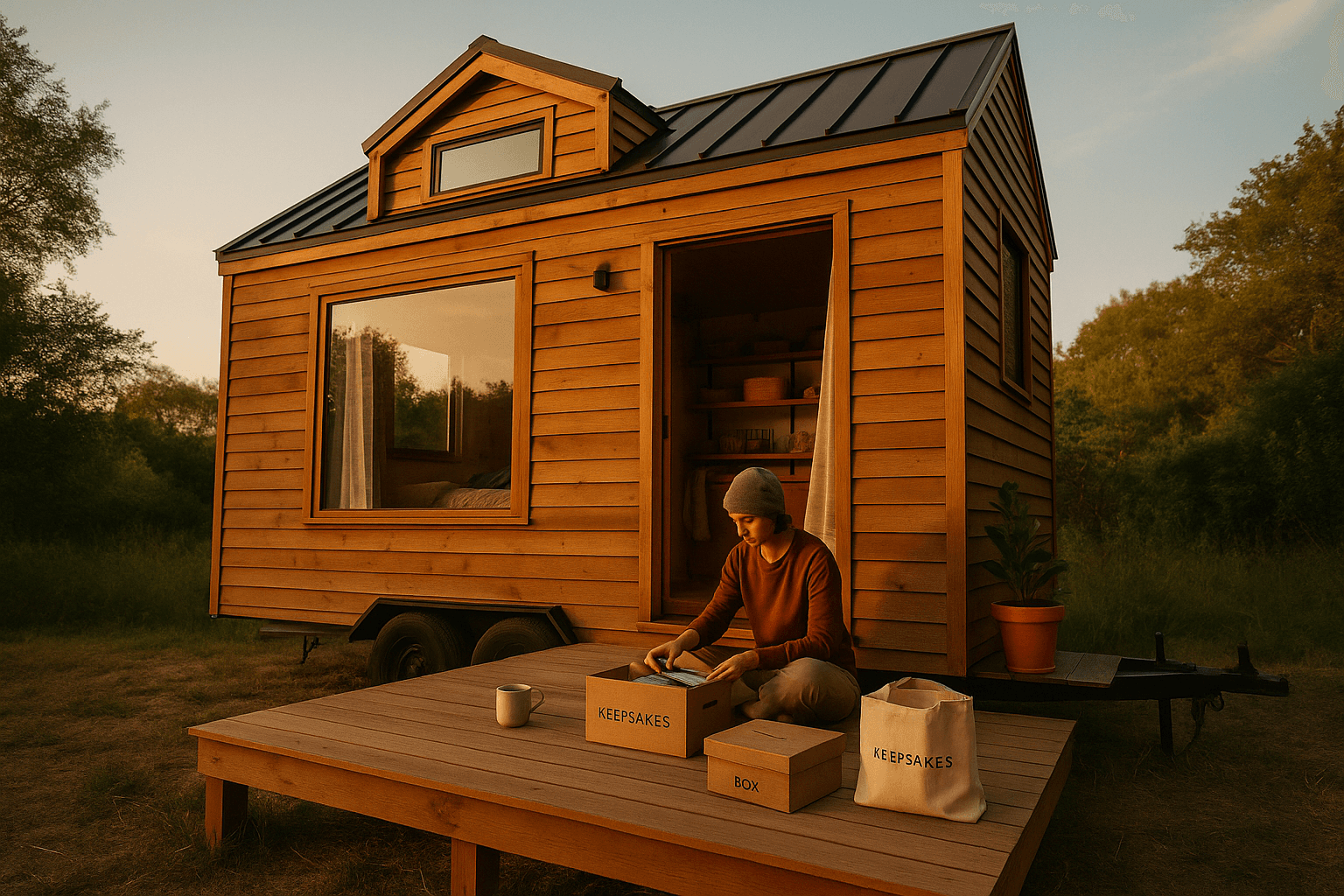
Underconsumption works in tiny living when it's a fast decision system, not a "buy nothing" identity. Use this 10-minute Tiny-Home Filter to sort any category into Keep / Store (offsite) / Release / Upgrade—based on frequency, real multi-use value, and the hidden "storage cost" of every cubic foot.
Because tiny homes land around 100–400 sq ft (most builds hit 200–300 sq ft), storage isn't neutral—it competes with walking space, kitchen workflow, and sleep comfort. The goal isn't less for its own sake. It's lower daily friction and fewer rebound purchases.
Underconsumption in tiny houses = friction reduction (not deprivation)
The viral underconsumption trend often fails during tiny house transitions for one reason: people purge without a layout-aware system, then rebuy what they miss (weather gear, tools, hobby items). That's not sustainable—or cheap.
In tiny house terms, the win looks like:
- Your routines fit your floor plan (cooking, mornings, WFH, outdoor life)
- Everything has a home (retrieval is easy; cleanup is fast)
- You keep what prevents repurchases (anti-rebound)
- You own fewer items overall because the ones you keep are durable and right-sized
When you design a tiny house with storage zones in mind, you can filter belongings to match the real space—not an imaginary ideal.
The 10-Minute Tiny-Home Filter (repeatable, category by category)
Designed for quick passes, not weekend-long identity crises.
What you need
- A timer (10 minutes)
- One category only (mugs, jackets, cords, cookware, kids toys, tools)
- 4 piles: Keep / Store / Release / Upgrade
Step 1 — Pick a single category and start the timer
Examples that work well:
- Kitchen: mugs, pans, knives, food containers
- Clothing: jackets, shoes, workout gear
- Tech: cables, chargers, peripherals
- Outdoor: rain gear, camp kit, bike tools
Step 2 — Score each item fast (0–2 points each)
Don't overthink. You're building a consistent filter.
| Criterion | 0 points | 1 point | 2 points |
|---|---|---|---|
| Frequency | Rarely/unknown | Monthly/seasonal | Weekly+ |
| Multi-function | Single use | 2 uses, one awkward | 2+ uses well |
| Repairability | Disposable/fragile | OK quality | Repairable/standard parts |
| Storage cost | Bulky/awkward | Medium | Compact/stackable |
| Rebuy risk | Easy to replace | Some hassle | Expensive/critical |
Max score: 10
Step 3 — Use simple decision rules
- 8–10 = KEEP (it earns its footprint)
- 5–7 = KEEP if it has a clear home; otherwise STORE
- 3–4 = STORE (offsite) if rebuy risk is high; otherwise RELEASE
- 0–2 = RELEASE
Step 4 — Add one "setup friction" check
Multi-function items only count if you'll actually use them.
Ask:
- Does this take more than 60 seconds to set up/put away?
- Do I avoid it because it's annoying?
If yes, drop the multi-function score by 1. In tiny living, friction kills good intentions.
Step 5 — Final output
- KEEP: makes daily life smoother
- STORE (offsite): important but space-expensive
- RELEASE: creates clutter + decision fatigue
- UPGRADE: replace multiple mediocre items with one durable, right-sized item
Once you know your tiny house layout (galley kitchen vs L-kitchen, loft vs ground bed, entry bench vs no mud zone), you can run this filter against real storage zones—and stop guessing.
The tiny house "storage cost per cubic foot" (simple math, big clarity)
In a tiny house, storage isn't free. Every cabinet and bin competes with walking clearance, seating comfort, kitchen prep space, and safety.
The 30-second volume conversion
Cubic feet = (L × W × H in inches) ÷ 1728
Example:
- A bin that's 18" × 12" × 10" = 2160 in³
- 2160 ÷ 1728 ≈ 1.25 ft³
Now you can ask: "Is this item worth 1.25 ft³ of my kitchen workflow or bedroom calm?"
When you design with AI or compare models, you can list your cabinet dimensions and map categories to zones—so you're not forcing a suburban inventory into a 250 sq ft footprint.
The "special cases" that sabotage underconsumption
These categories are why people purge, panic, and rebuy.
1) "Rarely used but important" (tools, emergency, formalwear)
Tiny-friendly rule: keep a mission-critical kit, not a pile.
- Tools: one compact kit covering 80% of fixes
- Emergency: one grab-and-go bin (first aid, headlamp, batteries)
- Formalwear: one outfit per person that fits now
Choose layouts with an exterior locker, stair drawer bank, or under-bench compartment so mission-critical kits don't live in your kitchen.
2) Sentimental items
Tiny-friendly rule: the container + rotation method
- One defined container per person
- Display a few items, rotate quarterly
In the AI designer, add display niches (not more cabinets)—so sentimental items become part of the home, not hidden clutter.
3) Seasonal/outdoor gear
Tiny-friendly rule: build a gear capsule + staging zone
- Capsule = only what matches your real activities
- Staging zone = one place near the entry (hooks, drip tray, ventilated bin)
Design for a true mud zone: entry bench, tall hooks, and vented storage—so wet gear doesn't invade your living area.
4) WFH essentials
Underconsumption isn't worth back pain.
Tiny-friendly rule: protect the "work triangle"
- One reliable laptop/monitor setup
- One headset/mic if you take calls
- One cable kit + labeled pouch
Generate layouts with a fold-down desk, built-in monitor shelf, and cable routing so WFH doesn't sprawl across the dining table.
5) Kids stuff
Tiny-friendly rule: active rotation bin + donation cadence
- One "active toys" bin accessible daily
- One "closet swap" bin for next-size clothing
- Monthly donation bag (small but consistent)
Design kid-friendly storage at kid height (drawers, cubbies, labeled bins), so cleanup is realistic—not aspirational.
Category "caps" that feel tiny-friendly
Treat these as starting hypotheses. Your filter decides.
| Category | Starting cap | Keep more if… |
|---|---|---|
| Everyday mugs | 2 per person (+1 guest) | You host often or WFH all day |
| Bath towels | 2 per person | Humid climate / can't dry laundry fast |
| Sheets | 2 sets per bed | Allergies or frequent laundry delays |
| Jackets | 1 rain + 1 insulation + 1 everyday | Outdoor sports / extreme seasons |
| Shoes | 3–5 pairs per adult | Work requires specialized footwear |
| Pans | 1 skillet + 1 pot + 1 sheet pan | You bake/meal prep frequently |
| Food containers | What fits one drawer | You meal prep daily |
When you generate or choose a layout, these caps become real when you assign each category to a specific drawer/shelf/bin. If it doesn't fit the zone, it doesn't get to live in the house.
Quick worksheet for the 10-minute test
Category: ____________ Date: ____________ Timer: 10 minutes
| Item | Freq (0–2) | Multi (0–2) | Repair (0–2) | Storage (0–2) | Rebuy (0–2) | Total | Decision |
|---|---|---|---|---|---|---|---|
| Keep / Store / Release / Upgrade | |||||||
One-sentence rule for this category: "I keep ________ because ________."
How to use the filter before you have your tiny house
If you're pre-move, don't guess. Pick a likely layout first, then filter to fit.
A practical flow:
- Design a few layouts that match your lifestyle (WFH nook, kid bunks, gear storage)
- Choose the best "storage zones" version (entry + kitchen + bedroom)
- Run the 10-minute filter category-by-category
- Create caps per category, a storage map, and an upgrade list
This is how underconsumption becomes freeing: you stop negotiating with clutter every day.
Live smaller. Feel bigger. Design a tiny home that fits your real life—without the guesswork.